Запросы «ИИ приглашение», «создать приглашение с помощью ИИ» и «ИИ приглашение на день рождения» уже набирают тысячи поисков в месяц. Люди хотят быстро и бесплатно получить красивый текст — и это логично. Рассказываем, как это работает, что умеет современный ИИ и как получить лучший результат.
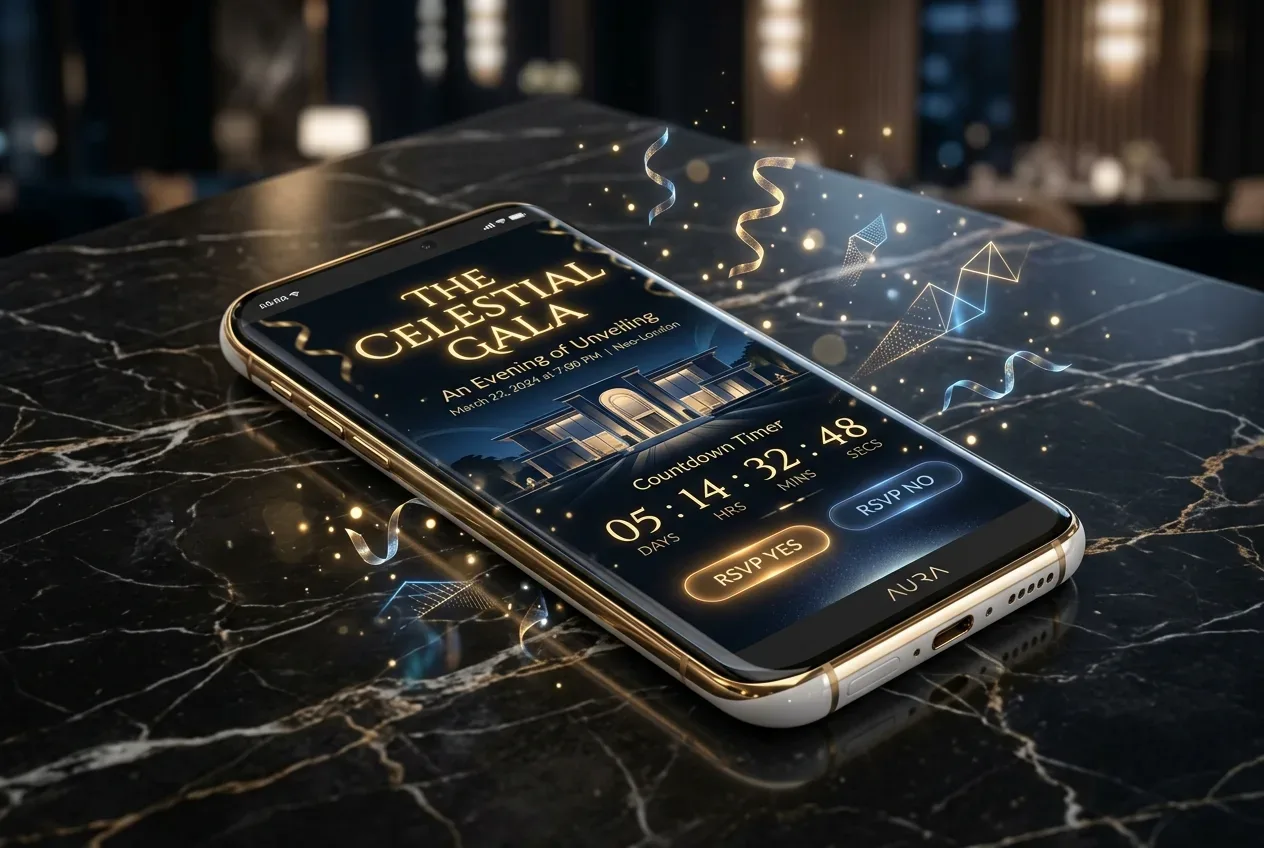
Что умеет ИИ в создании приглашений?#
Современные языковые модели (ChatGPT, DeepSeek, Claude) отлично справляются с задачами, где нужен живой, персонализированный текст. Приглашение — идеальный кейс: чёткая структура, ограниченный объём и много места для творчества.
ИИ напишет за вас
- Приглашение на день рождения
- Свадебное приглашение
- Текст для юбилея 50, 60, 70 лет
- Детское приглашение
- Тост и пожелание
- Подпись к открытке
- Стихотворное поздравление
ИИ генерирует уникальный текст каждый раз. Укажите имя именинника, возраст, место и стиль — и получите готовое приглашение за 3 секунды. Никаких шаблонов, никакого копипаста.
Как создать ИИ-приглашение: пошаговая инструкция#
Шаг 1. Выберите тип текста
Определитесь, что именно нужно: само приглашение (призыв прийти), пожелание (слова для именинника), тост (речь за столом) или стихи. Для каждого типа ИИ использует разную структуру и тон.
Шаг 2. Выберите стиль
Четыре основных стиля работают для любого события:
- Душевный — тёплый, искренний, трогательный. Подходит для юбилеев и семейных праздников.
- С юмором — лёгкий, жизнерадостный. Лучший выбор для вечеринок и дней рождения в компании друзей.
- Романтичный — поэтичный и возвышенный. Идеален для свадебных приглашений.
- Лаконичный — коротко, стильно, по делу. Для деловых и корпоративных мероприятий.
Шаг 3. Укажите детали о человеке
Вот где многие ошибаются — пишут только имя и дату. ИИ работает лучше, когда вы даёте больше контекста:
Хорошие ключевые слова: «любит путешествия, всегда поднимает настроение, заядлый кулинар, мечтает о Японии». Это делает текст личным, а не шаблонным.
Шаг 4. Нажмите «Сгенерировать» и сравните варианты
Если первый результат не понравился — попробуйте снова. ИИ каждый раз создаёт уникальный вариант. Обычно второй или третий оказывается лучшим.
🤖 Попробуйте прямо сейчас — ИИ-генератор приглашений на PartyGen. Бесплатно, без регистрации, результат за 3 секунды.
ИИ-приглашение на день рождения: примеры#
Вот что может написать ИИ для дня рождения с разными стилями при одних и тех же вводных («Александр, 35 лет, любит горы и путешествия»):
Душевный стиль
«Дорогие друзья! Саша собирает всех самых близких, чтобы встретить свои 35 вместе. Это не просто праздник — это вечер с теми, кто делает жизнь ярче. Ждём вас 14 сентября в 19:00. Адрес, программа и способ добраться — по ссылке. Будет тепло, вкусно и очень искренне.»
С юмором
«Александр официально закрывает первую треть века и делает это с размахом! 35 — это когда уже знаешь, что хочешь, и знаешь, с кем это праздновать. Приходи 14 сентября: будет громко, смешно и вкусно. Торт гарантирован.»
Лаконичный
«Александру — 35. Отмечаем 14 сентября, 19:00. Ресторан «Вершина». Подтверди участие до 7 сентября. Будем рады видеть тебя.»
ИИ-приглашение на свадьбу#
Для свадебного приглашения ИИ особенно хорош: романтичный стиль с именами пары, датой и местом создаёт текст, который звучит как настоящее свадебное послание, а не как шаблон из типографии.
Укажите: имена жениха и невесты, дату, место церемонии и банкета, настроение вечера (торжественный ужин, камерная церемония, летний праздник под открытым небом) — и ИИ напишет под ваш стиль.
ИИ-приглашение на юбилей#
Юбилей 50, 60 или 70 лет требует особого тона — уважительного, тёплого, с акцентом на значимость события. ИИ отлично улавливает эту разницу, если вы укажете возраст и желаемое настроение.
Для юбилейного тоста добавьте ключевые слова о достижениях человека, его характере и том, что для него важно — ИИ создаст речь, от которой гости встанут с бокалами.
Как сделать ИИ-приглашение бесплатно?#
Многие спрашивают, можно ли сгенерировать приглашение бесплатно. Да — генератор на PartyGen работает без оплаты и без регистрации. Вы получаете готовый текст, который можно скопировать и отправить в WhatsApp или Telegram прямо сейчас.
Если нужен полноценный сайт-приглашение с красивым дизайном, RSVP-формой, картой и таймером — посмотрите шаблоны сайтов-приглашений. Активация стоит 1 500 ₽. Но для простого текстового приглашения в мессенджер ИИ-генератор справляется бесплатно.
Промты для ИИ-приглашений: как формулировать запрос#
Если вы используете ChatGPT или другой ИИ напрямую, вот рабочие промты:
Промт для приглашения на день рождения
«Напиши тёплое и личное приглашение на день рождения. Имя: Мария, возраст: 30 лет, дата: 20 августа, время: 19:00, место: ресторан «Пушкин». Мария любит путешествия и книги. Стиль: живой и душевный, 3–4 предложения.»
Промт для свадебного приглашения
«Напиши романтичное свадебное приглашение. Имена: Анна и Дмитрий. Дата: 5 сентября 2026, время: 16:00, место: загородный клуб «Берёзки». Стиль: возвышенный и поэтичный, 4–5 предложений.»
Промт для тоста на юбилей
«Напиши тост для мужчины на юбилей 60 лет. Имя: Виктор. Он прошёл интересный профессиональный путь, любит рыбалку и всегда поддерживает близких. Стиль: душевный, с юмором, закончи призывом поднять бокал. Длина: 5–6 предложений.»
ИИ против шаблонов: что лучше?#
Готовые шаблоны из интернета — это текст, который уже прочитали тысячи людей. ИИ создаёт уникальный текст под конкретного человека каждый раз. Разница ощущается сразу — именно поэтому «ИИ приглашение» и «создать приглашение с помощью ИИ» стали такими популярными запросами.
Шаблон из интернета
- Один текст для всех
- Безликий и шаблонный тон
- Гости уже читали его раньше
- Нельзя быстро адаптировать
ИИ-приглашение
- Уникальный текст каждый раз
- Учитывает имя, возраст, увлечения
- Выбор стиля — от душевного до юмора
- Готово за 3 секунды, бесплатно
Часто задаваемые вопросы#
Можно ли доверять ИИ написание важного приглашения?
Да, но всегда перечитайте результат и при необходимости скорректируйте. ИИ создаёт хорошую основу — вы доводите её до идеала. Обычно это занимает 1–2 минуты против 20 минут написания с нуля.
Что делать, если текст не понравился?
Нажмите «Ещё вариант» — ИИ создаст новый текст с тем же стилем и данными. Если и второй не подходит — измените ключевые слова или стиль.
ИИ-приглашение — это то же самое, что видео-приглашение?
Нет. ИИ-приглашение — это текст, сгенерированный искусственным интеллектом. Видео-приглашение — анимированный ролик. Оба варианта можно создать на PartyGen: текст через ИИ-генератор, видео — через отдельный раздел.
Как добавить сгенерированный текст на сайт-приглашение?
Скопируйте текст из генератора, перейдите на нужный шаблон сайта-приглашения (свадьба, день рождения, юбилей), откройте редактор и вставьте текст в поле «Слоган» или «Текст». Всё сохранится автоматически.
💡 Создайте ИИ-приглашение прямо сейчас — открыть генератор. Выберите тип (приглашение, пожелание, тост или стихи), укажите имя и детали — текст будет готов через несколько секунд.