Creating an online wishlist is easier than ever. You do not need design skills or complex tools. Here is how to assemble a clean, functional wishlist from start to finish.
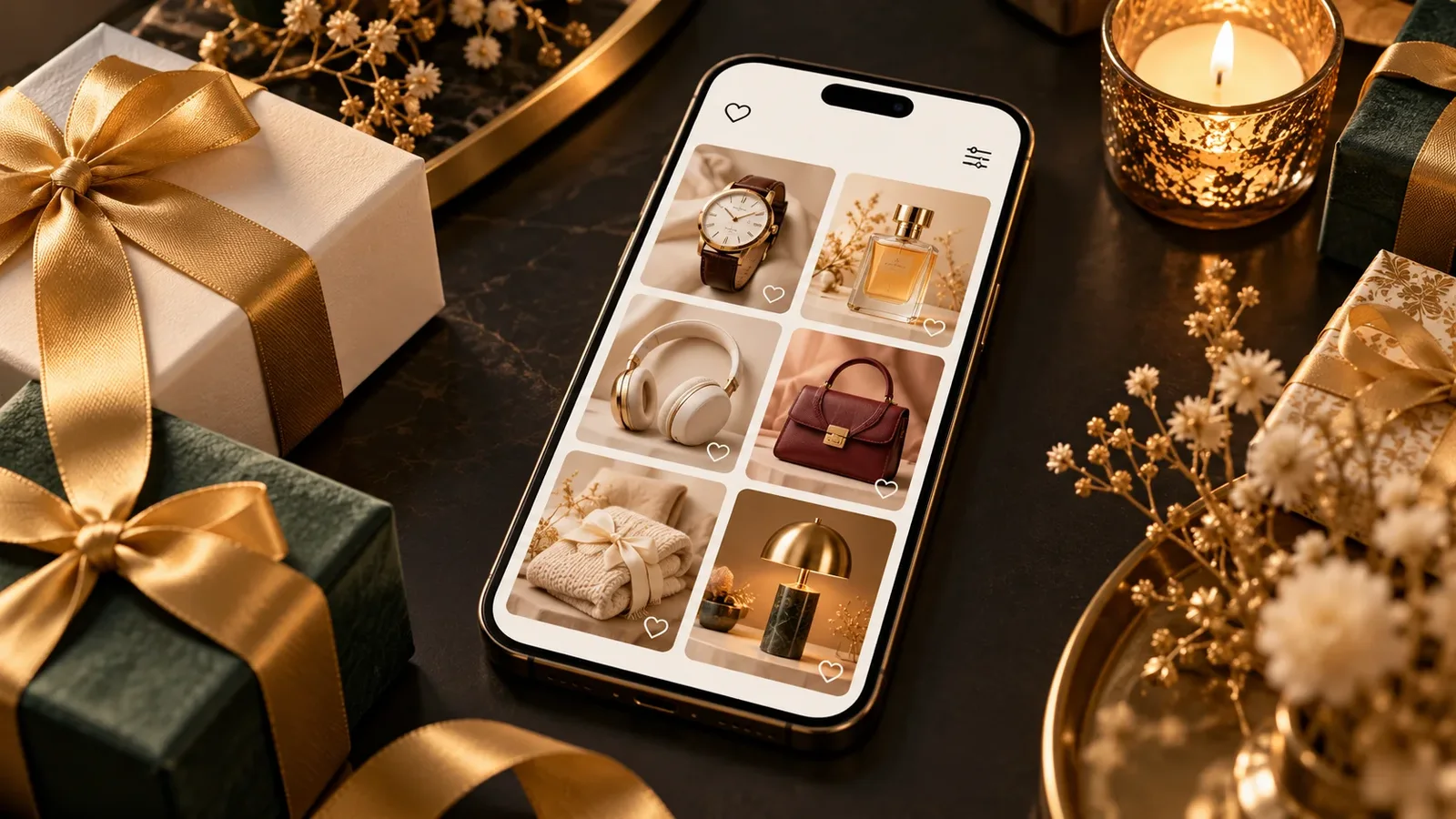
Step 1. Choose Your Occasion#
Whether you are planning a birthday, a wedding, a housewarming, or a baby shower, pick a theme or start from a blank canvas. Pre-built templates offer inspiration so you do not have to stare at an empty screen.
Step 2. Add Gifts with Specifics#
The best wishlists include three layers of items:
- Budget-friendly picks: Books, specialty coffee, scented candles, board games.
- Mid-range essentials: Quality cookware, headphones, sports gear, home decor.
- Milestone items: Travel gear, tech, or furniture where friends can group-fund together.
Always add a direct link and a brief note (e.g., "Charcoal colour, size M") so guests know exactly what to order.
Step 3. Customise Your Page#
Choose an aesthetic cover, write a warm welcome message, and set up your privacy preferences. You can keep the list open to anyone with the link or protect it with a simple password.
Step 4. Share the Link with Confidence#
Attach the wishlist link directly to your digital invitation, send it to a WhatsApp group, or post it in your bio. Guests appreciate knowing what brings you joy.
✨ Ready to start? Build your free wishlist on PartyGen right now.