A wedding doesn't begin on the day of the ceremony. It begins the moment a guest opens the invitation. That first impression shapes how they'll perceive the entire celebration ahead. Let's break down how to make that impression flawless.
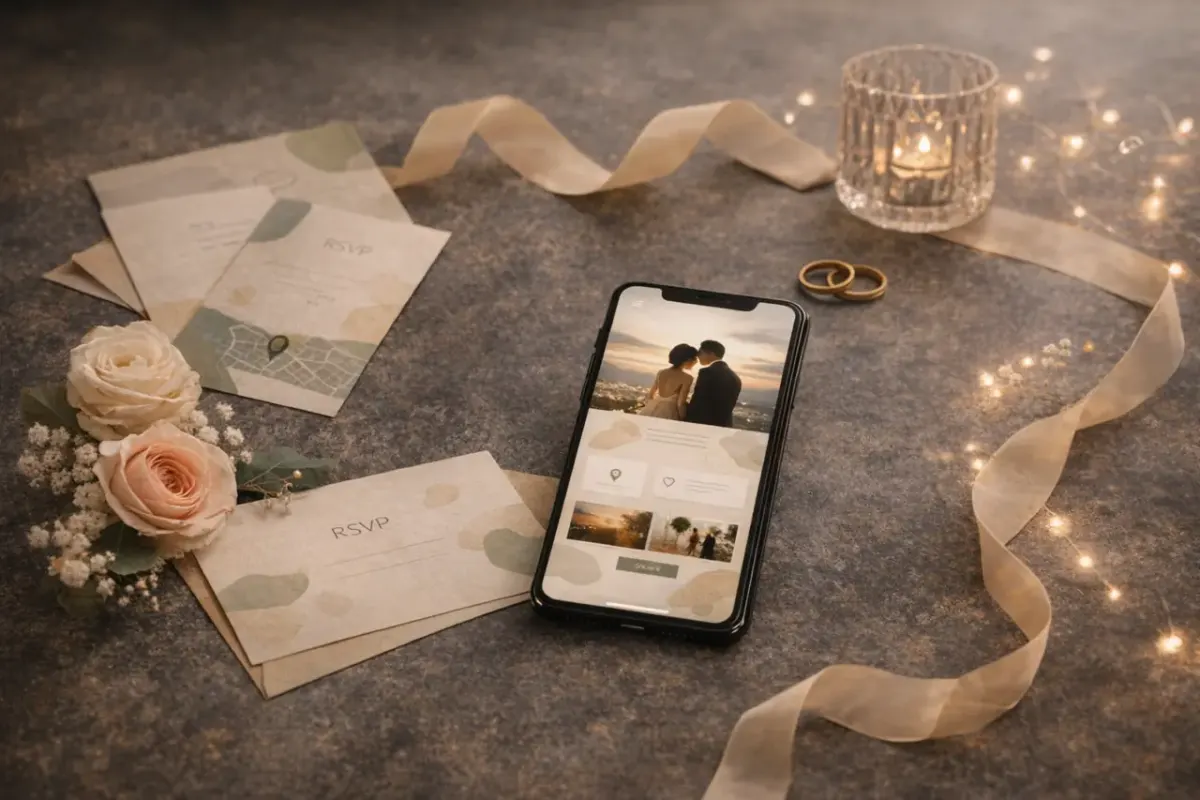
The 9-point wedding website checklist#
- The couple's names — big, right at the top. Ideally with a beautiful tagline: "Maria & Alexander. June 14, 2026."
- Date, time, place — list the ceremony venue and the reception hall separately if they differ.
- The day's timeline — guest arrival, ceremony, cocktail hour, dinner, first dance, cake. Guests know when to arrive and what to expect.
- An interactive map — with a "Get directions" button for Google/Apple Maps.
- Dress code — with a color palette and an example. "Shades of ivory and gold" works better than "light tones."
- Wishlist — a list of desired gifts with reservations. For expensive items, mark them "Group gift": several guests chip in together, and the site shows how many have already joined.
- RSVP form — with questions about meals, allergies, number of guests, and transport.
- Parking and lodging — especially important for out-of-town venues and guests from other cities.
- A contact for questions — the phone or Telegram of the organizer, not the couple.
What couples add — but rarely#
An option only 31% of couples use — a gallery of couple photos. It's a slideshow of 5–8 shots: how you met, trips together, the moment of the proposal. Guests spend twice as long on a page like this and share it with those who haven't seen it yet.
Another rare option is a "How to get there" block with several options: personal car, metro, taxi. Especially valuable for venues outside the city.
Real mistakes and how to avoid them#
- Only listed the ceremony time, not the cocktail hour. Half the guests arrived for cocktails and missed the start. Fix: list both times — "Guest arrival 5:00 PM, ceremony 6:30 PM."
- Forgot the dress code. The photos ended up full of people in whatever they'd thrown on. Fix: give the dress code its own block with an illustrated color palette.
- No RSVP deadline. Guests put off replying until the last minute. Fix: set a specific date — "Please confirm your attendance by June 1."
- White wasn't explicitly ruled out of the dress code. A guest showed up in a white dress. Fix: say it directly — "We kindly ask guests not to wear white or ivory."
How many guests will reply via RSVP?#
According to PartyGen data across 2,400+ wedding invitations:
- In the first 24 hours, 52% of guests reply
- Within 3 days — 74%
- After a single reminder — 91%
- The remaining 9% never respond to anything — that's normal, build in a margin of error
Group gifts — how it works#
If the list includes an expensive gift (a trip, an appliance, a dinner voucher), mark it as "Group." Instead of a "Reserve" button, guests will see "Join in" and a counter of participants. Several guests can chip in together without duplicating one another.
Gifts with a single giver get "Reserve" status — and once one guest books them, they disappear from the available list. This spares you the awkward situation of several people buying the same thing.
The stats page: everything under control#
After you create the link, you get a personal stats page at partygen.ru/en/stats. Everything is gathered in one place:
- RSVP replies — who's coming, who isn't, food and drink preferences
- Gift reservations — which guest reserved each gift
- Group-gift participants — a list of everyone who joined a shared gift
- Each guest's status — in real time, no page refresh needed
Access to the stats is only via the unique code you receive when you create the site. Guests see only the invitation itself.
When to send the invitation?#
The optimal window is 4–6 weeks before the wedding. For out-of-town guests — 6–8 weeks, so they have time to book tickets and a hotel. One week out, you can send a reminder with the final details.