WhatsApp is convenient for sending, but poor for storing details. So it's better to send not a long text, but a short message plus a link to a digital invitation.
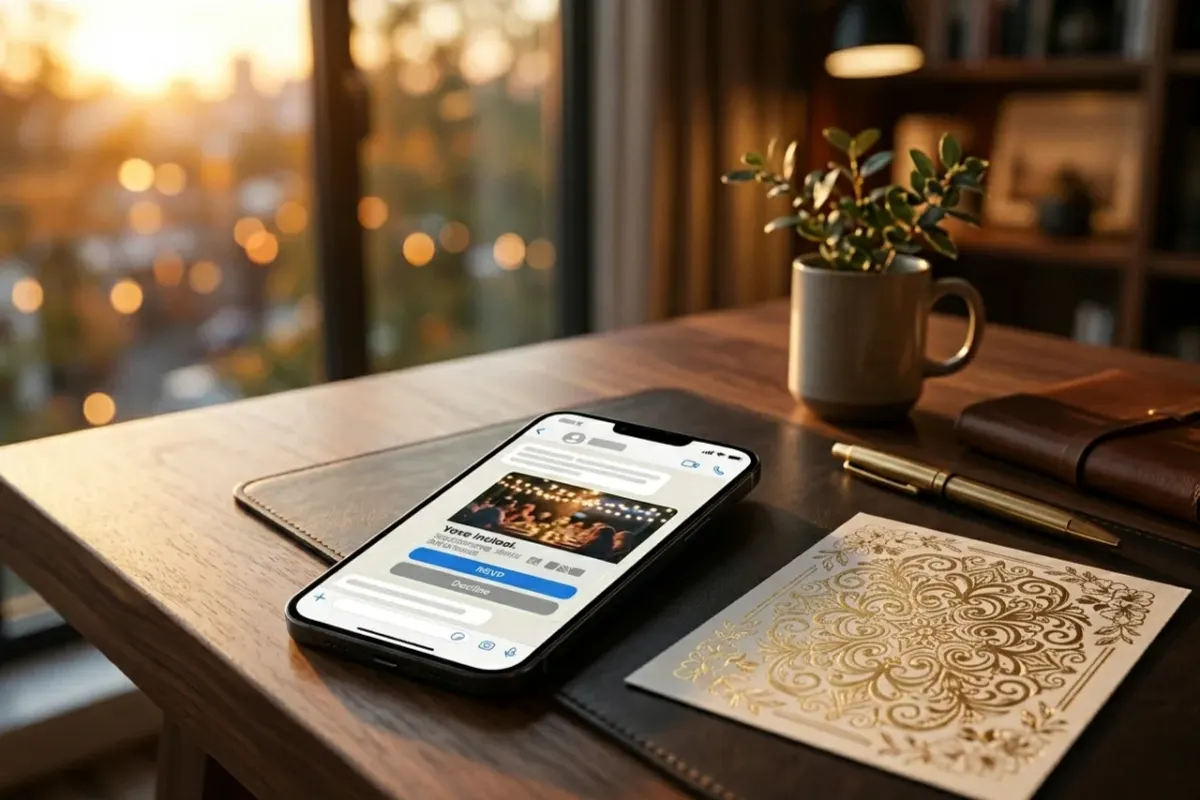
The ideal message structure#
- A personal greeting: "Hi, Masha!"
- A short occasion: "We're inviting you to our wedding / birthday."
- A link to the invitation.
- A request to reply: "Please open it and confirm your attendance."
Message examples#
- Hi! We'd really love to see you at our wedding. All the details and RSVP are here: [link]
- Sending you a birthday invitation. Please open it and tap "I'll be there" or "I can't make it": [link]
- There's going to be a party! The date, place, dress code, and map are inside: [link]
- [Name]'s party invitation is here. Please confirm attendance by [date].
What should be inside the invitation#
- A first screen with a clear event.
- The date, time, and place in large type.
- A map and a directions button.
- An RSVP form.
- Dress code, program, and wishlist, if needed.
Sending mistakes#
- Sending only an image with no address and no RSVP.
- Writing a long 20-line text.
- Not asking guests to confirm attendance.
- Sending it to a group chat where the message quickly gets lost.
- Not checking how the link opens on a phone.
The best option: a short personal message + an invitation website. That way it's pleasant for the guest and convenient for the organizer.